


|
Name |
Google Earth |
|---|---|
|
Google Play Link |
GET IT ON
Google Play
|
|
Category |
Travel & Local |
|
Developer |
Google LLC |
| Last version | 9.155.0.2 |
|
Updated |
|
|
Compatible with |
Android 4.3+ |
Introduction to Google Earth APK
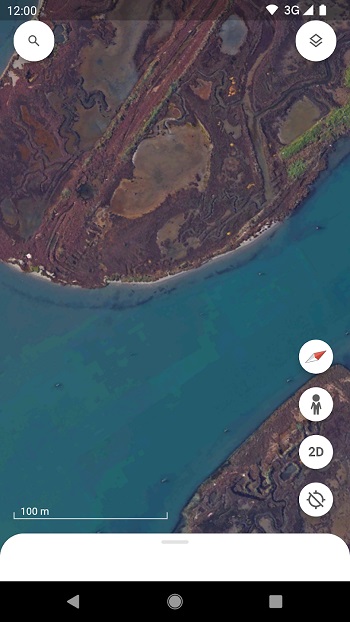
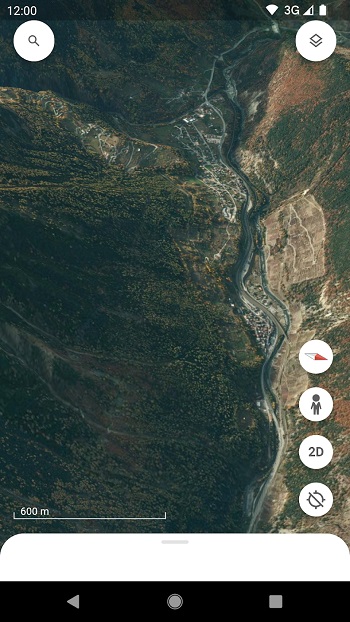
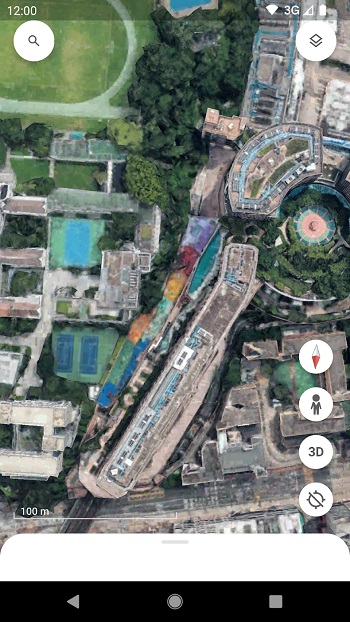
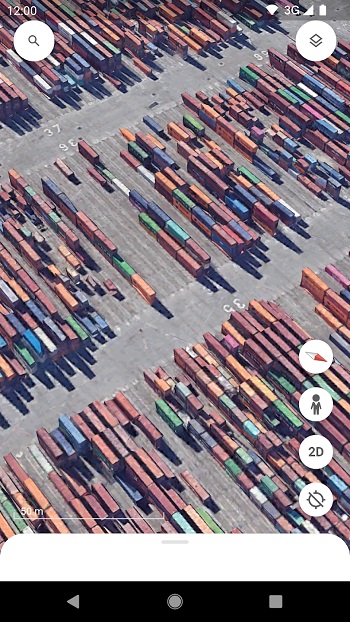
Google Earth APK is a mapping and virtual globe app from Google. It lets you view places around the world through satellite imagery, 3D terrain, 3D buildings, and Street View scenes. The app is made for people who want to understand a location visually, from famous landmarks to small neighborhoods, without needing to be there in person.
The main purpose of Google Earth is simple: it helps you look around the planet in a detailed and interactive way. You can search for cities, addresses, natural sites, tourist spots, or coordinates, then move around the map with touch controls. It is useful for travel planning, school projects, geography learning, route checking, and plain curiosity when your brain suddenly asks, “What does Iceland look like from above?”
Google Earth APK includes several helpful tools. Street View gives you 360-degree ground-level views in many places. 3D imagery lets you see terrain, buildings, and landmarks with more depth. Voyager offers guided stories and educational content about culture, nature, cities, and global topics. Timelapse helps you see how areas have changed over time, which is useful for learning about urban growth, climate effects, and land changes.
The app also lets users create and organize map-based projects. You can place markers, draw lines, connect locations, and add extra context with photos or videos. This makes it handy for teachers, students, travelers, researchers, and content creators who need a visual way to explain places. It turns a map into something closer to a mini presentation, minus the awkward classroom projector moment.
Google Earth is strong because it makes geographic information easy to understand. Instead of reading long location descriptions, you can see the place directly from above or from street level. It helps users compare areas, preview destinations, study landmarks, check landscapes, and better understand the shape of cities and natural environments. The interface is also simple enough for casual users, while still offering useful tools for more serious map work.
There are a few limits to know. Image quality can change depending on the region, and some places have clearer 3D views than others. The app does not show live satellite footage, so users should not treat it as a real-time tracking tool. It can also feel heavy on slower devices or weak internet connections, especially when loading 3D cities or detailed imagery.
Google Earth APK is suitable for students, teachers, travelers, geography fans, researchers, and anyone who likes learning through visuals. It works well when you want to preview a place, understand land features, plan a trip, compare locations, or build a simple map project. This review is written from a practical app-use perspective, based on official app details and common user needs, so readers can quickly understand what the app does and where it may fall short.
FAQs Google Earth
What is Google Earth used for?
+
Google Earth is used to view satellite maps, 3D terrain, buildings, streets, landmarks, and locations around the world from a phone or computer.
Does Google Earth show live images?
+
No. Google Earth shows detailed imagery, but it does not provide live satellite video. Some images may be newer or older depending on the location.
Can I use Google Earth APK for travel planning?
+
Yes. You can check destinations, streets, landmarks, nearby areas, and terrain before visiting, which makes it useful for planning routes and learning about a place.
What are the main features of Google Earth APK?
+
Its main features include satellite imagery, 3D maps, Street View, Voyager guided content, Timelapse, location search, map markers, and project creation tools.
Who should use Google Earth?
+
Google Earth is useful for students, teachers, travelers, researchers, map lovers, and anyone who wants a clear visual way to understand real places.
Discover More Interesting Apps
-

Long Drive Cars
v2.0.145
53.36 Mb
Updated -
Mod
OsmAnd+
v5.4.6
218.00 Mb
Updated -
Booking City
v69.4
317.65 Mb
Updated -
SwaRail
v2.1.66
114.13 Mb
Updated -
Mod
Flightradar24
v11.11.3
67.06 Mb
Updated -
Q-Park
v2.20.25
77.62 Mb
Updated -
Where is my Train
v7.1.5.963234518
25.73 Mb
Updated -
Rajmarg Yatra
v3.2.5
79.65 Mb
Updated -
Australian Immi App
v2.4.0
178.99 Mb
Updated -
Outbound: Hike, Camp, Roadtrip
v8.2.0
108.32 Mb
Updated










Share Your Thoughts